March 27th, 2026
Improved
Bulk Edit Alerts
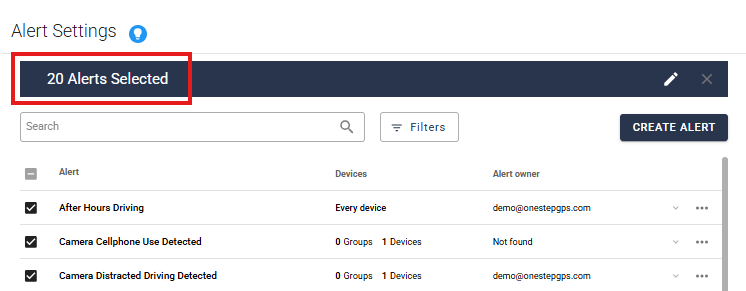
You can now update your alerts in bulk!
In your Alerts tab, there are checkboxes you can select one by one, or a select-all box at the top. You can update 20 alerts at a time.
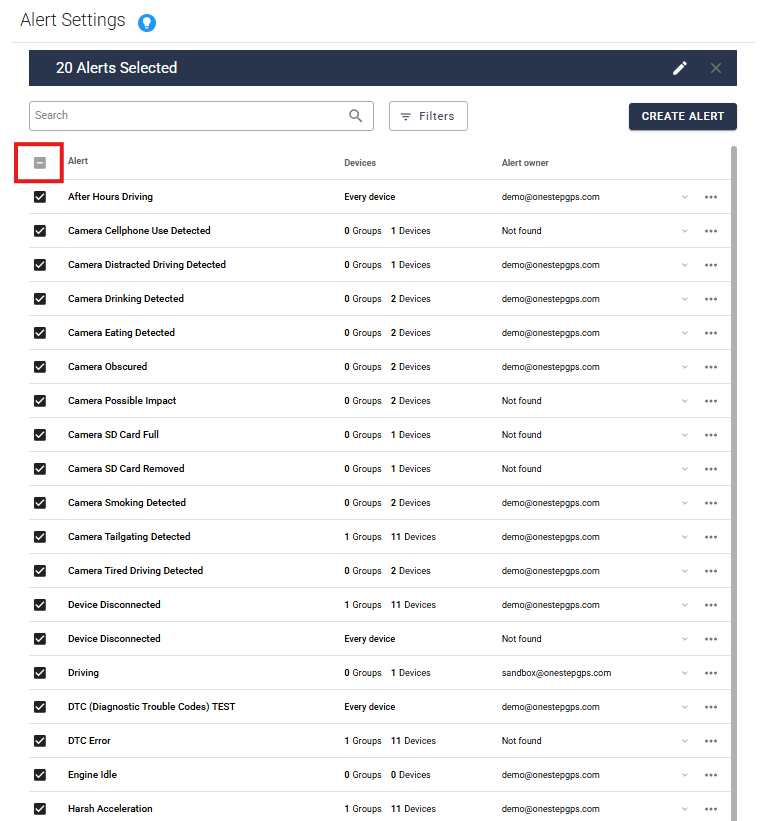
Click the pencil icon to start editing.
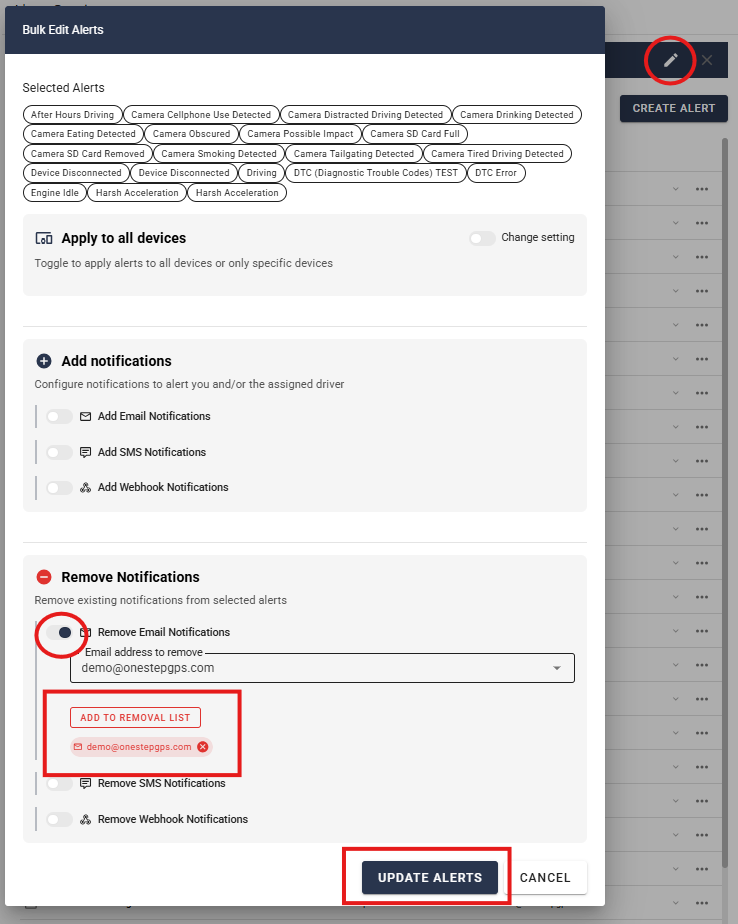
Toggle what you would like to add or remove. In this example, we’re removing an email address from all 20 alerts.
Select the email address you want removed, and click Add to Removal List. Then click Update Alerts.
This will save you so much time!
Write a comment...