February 2nd, 2026
Improved
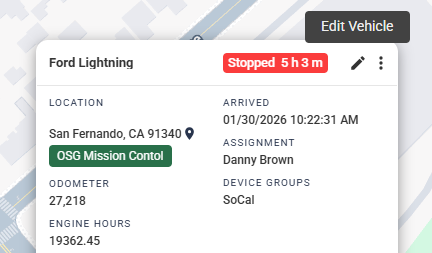
Editing Within the Pop-Up
We've added the ability to edit device information in the device pop-ups on the map, so users don't have to navigate to the full device settings page.
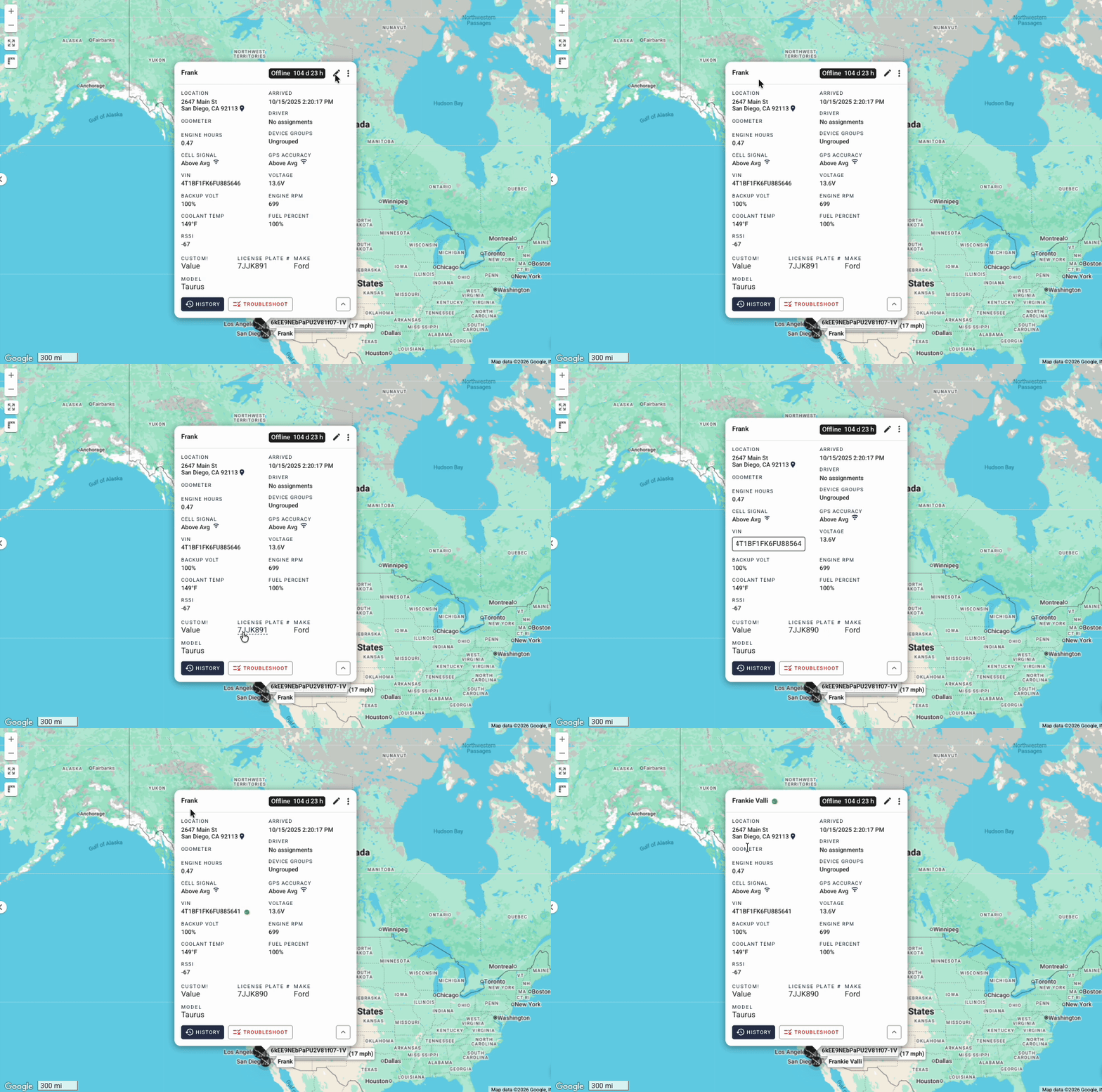
What's New:
Edit Mode Toggle: A new pencil icon appears in the pop-up header. Clicking it enters "edit mode," which highlights all editable fields.
Editable Fields: (Desktop Popup)
Display Name - Click to edit directly in the pop-up
VIN - Click to edit (shows confirmation dialog since this may override device-reported VIN)
Custom Fields - Click any custom field value to edit
Odometer - Click to open the odometer settings dialog
Engine Hours - Click to open the engine hours settings dialog
Driver Assignment - Click to open the driver assignment dialog
Device Groups - Click to open the device groups dialog
Mobile Support: The mobile device panel also supports easy editing:
Display Name, VIN, and Custom Fields work the same as desktop
Odometer and Engine Hours use a "tap to reveal pencil" pattern... tap the value, then tap the pencil icon that appears or the value again