January 25th, 2024
Alert Permissions: You Can Select Users and Teams
In the Alert Settings there is now a new Advance feature that allows Administrators of the account to share an Alert triggered with his Users and Teams.
Here is how to set it up:
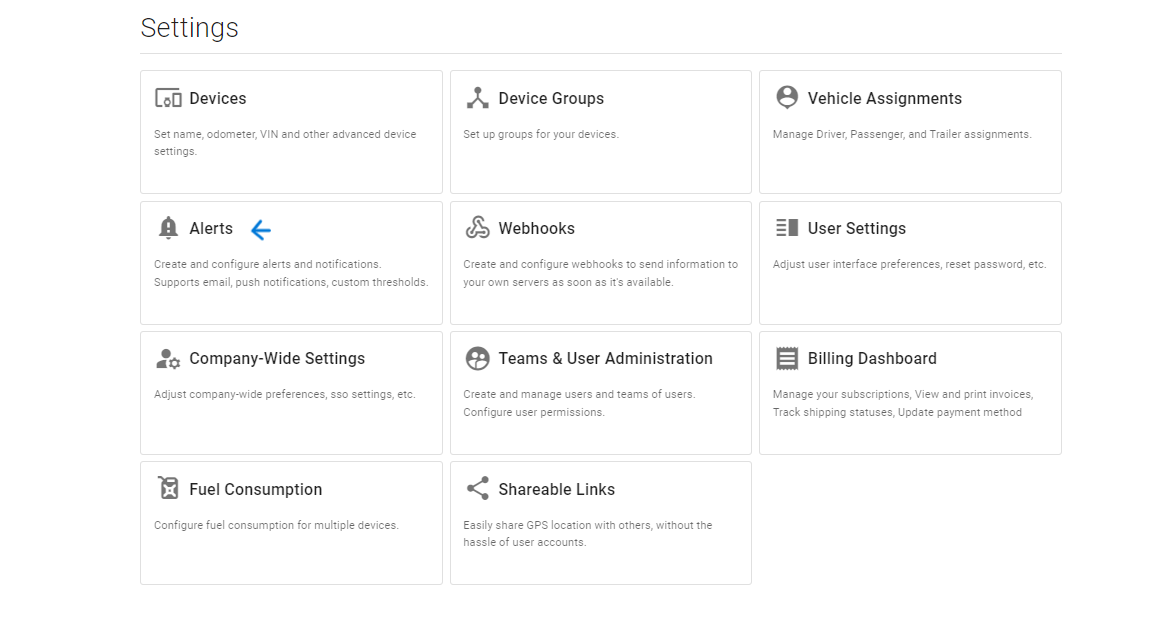
Click on Alerts in the Setting Page:
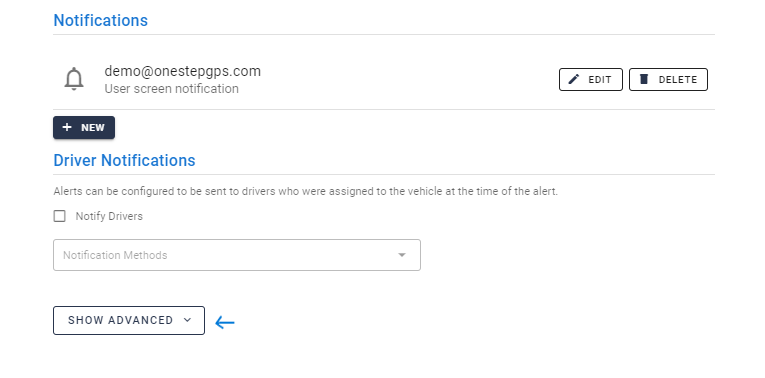
Once selected which type of Alert you want to create or edit, scroll down to the page and click on: "Show Advanced".
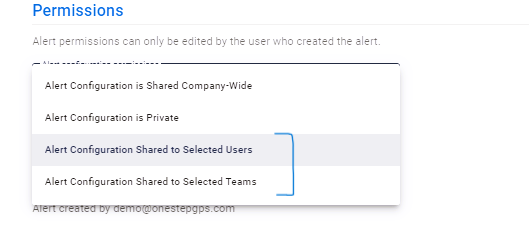
Scroll all the way down and you'll find under the Permissions section, there are now two additional features you can select:
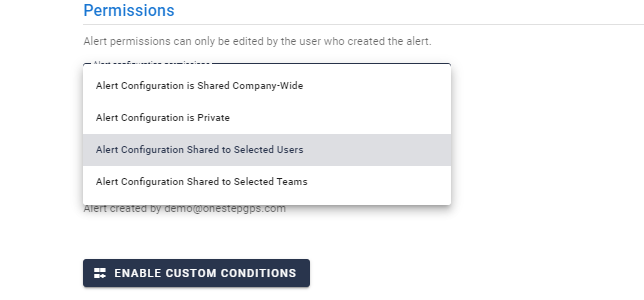
Alert Configuration Shared to Selected User
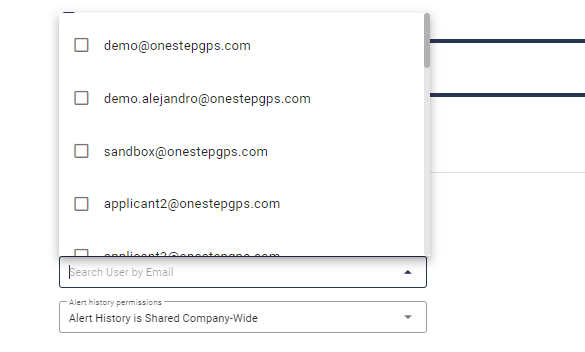
After selecting this option, you'll be able to choose from your Users, who to grant permission to.
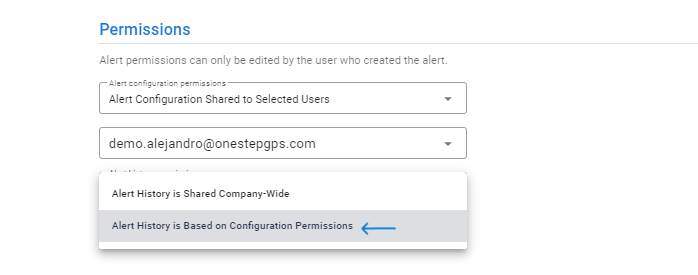
This will allow you to also select the Alert History Based on Configuration Permissions which will also allow your user to access the Alert History.
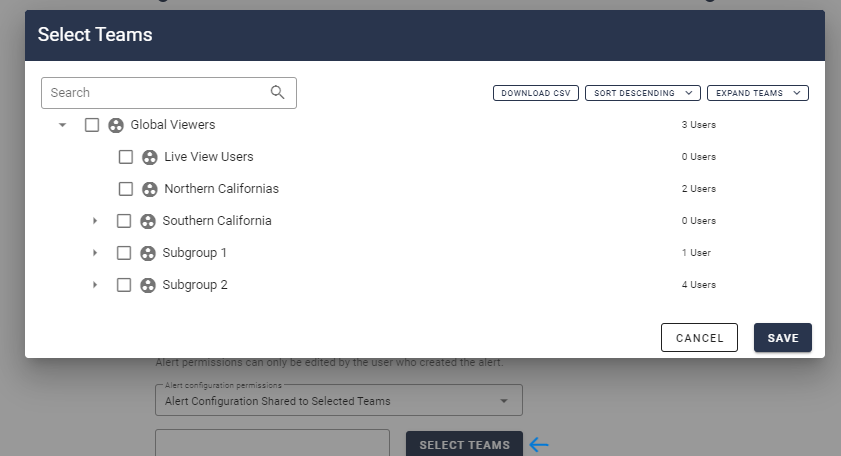
Alert Configuration Shared to Selected Teams
After selecting this option, you'll be able to choose from your Teams, which to grant permission to.