June 28th, 2024
Duplicate Alerts
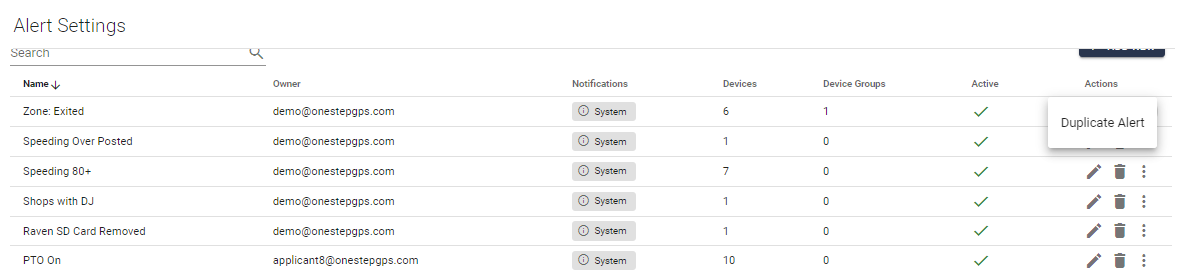
On your Alert Settings, you'll view a list of all the alerts you have set up, with the alert's name, owner (or user) email, notification selected, number of devices, number of device groups, and whether the alert is active or not.
To facilitate your creation of alerts, you can now duplicate an alert with just a click!
If you click on the three dots next to the trash icon, you'll see the option to duplicate the alert.

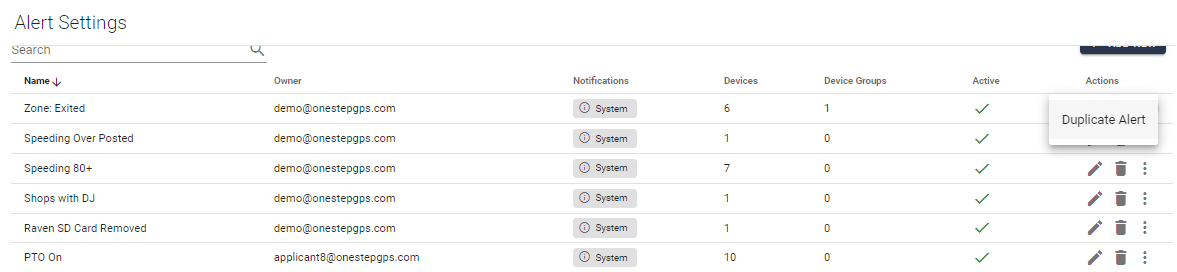
Once you click on it will automatically create the same alert with "Copy" added to the name. At this point, you can edit it by clicking on the pencil next to the alert.

Write a comment...