December 1st, 2023
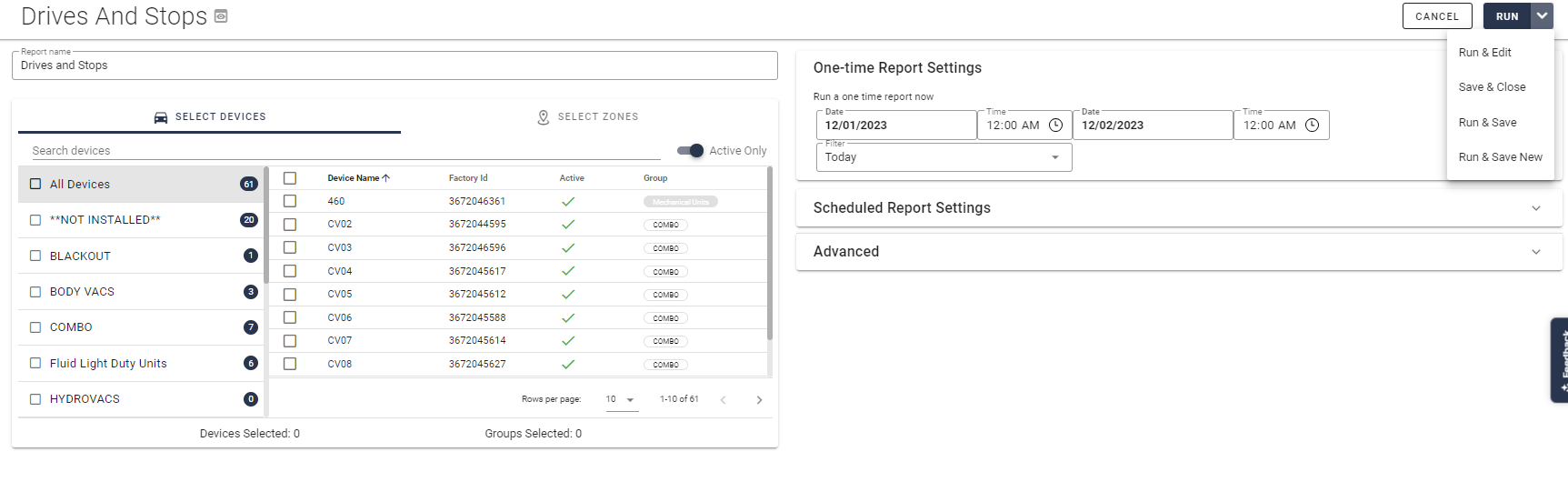
Report Settings - Options
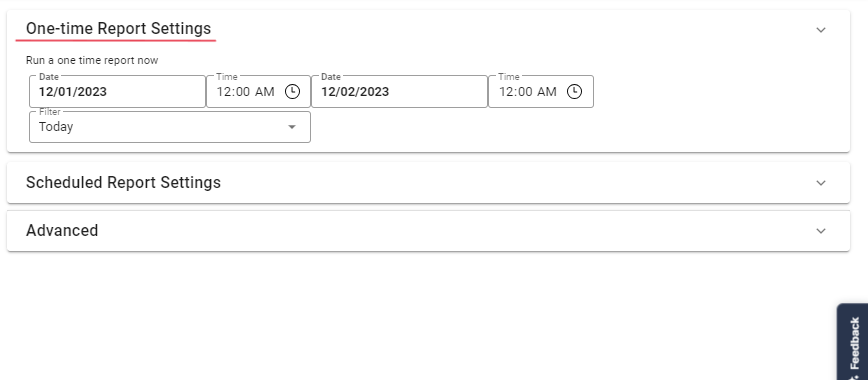
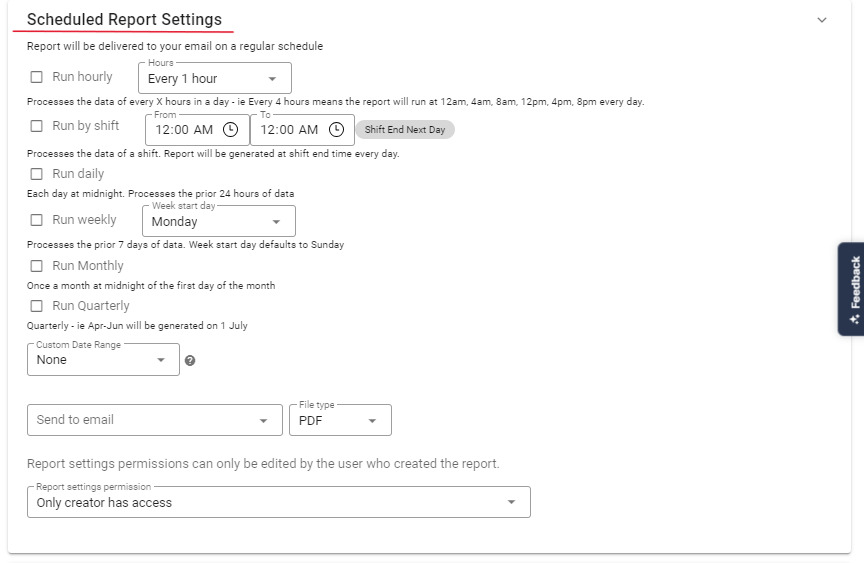
As customer you have the option of creating a One-time Report of to create a scheduled report.
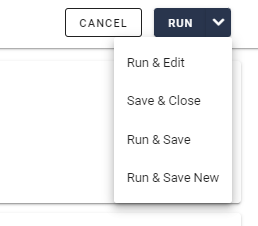
When clicking on the arrow next to the "Run" button, you now have the following options:
Save & Close - This will save the scheduled report and redirects you to the "Saved Report" page.
Run & Close - This will run a One-time report and will redirect you to the "Generated Report" page.
Run & Save - This will run a One-time report and will save the details of a scheduled report. You will not get redirected to a different page.
Run & Save New - This will run a One-time report and will create a scheduled report. You will not get redirected to a different page.
Write a comment...